Affiliate linksSome links pay us — we explain who, why, and when on our About page.
Best AI Tools for Podcast Editing (2026)
We compared the AI podcast editors solopreneurs actually pay for — Descript, Adobe Podcast, Auphonic, Cleanvoice and Riverside — on price, limits and what named reviewers report. Here's our pick.
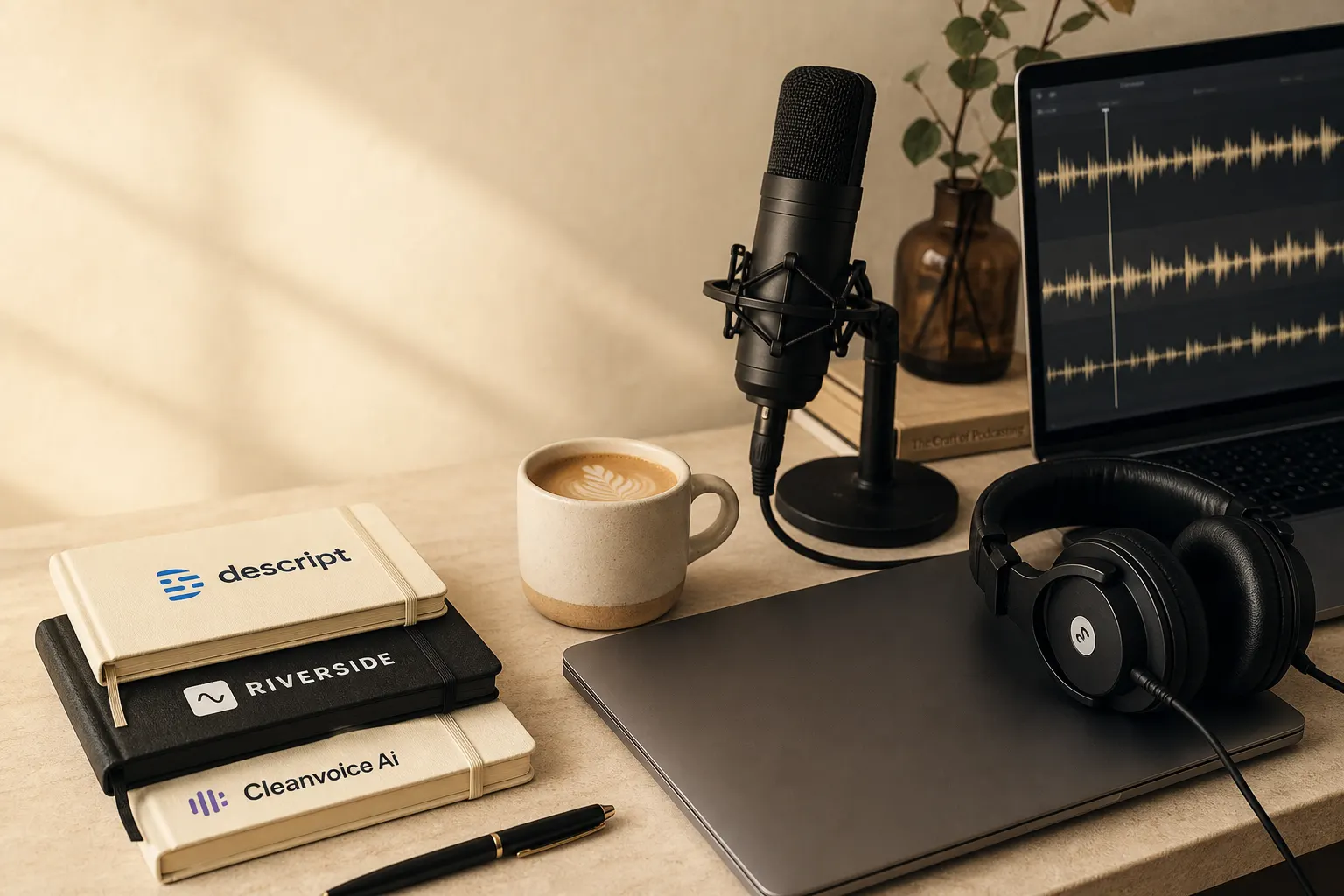
We pay for these tools out of the same bank account that funds the coffee, so we've no patience for a £20-a-month subscription that only does one thing. Here's where we landed after reading what the named reviewers and real users actually report.
The verdict: Descript on the Creator plan — about £19/month billed annually (US$24) — is the best all-round AI podcast editor for solo creators and small shows. You edit the audio by editing its transcript — delete a word, the matching sound goes with it — and once that clicks, dragging waveforms by hand feels daft. Nothing else here records, transcribes and edits in one window.
Descript
Text-based editing, filler removal and transcription in one tool — about £19/mo annual.
adobe-podcast
Enhance Speech strips noise and echo for £0, no subscription.
auphonic
Automatic leveling to broadcast LUFS; free for 2 hours/month.
Who should pick something else
- You only need to rescue bad audio, not edit it. Go straight to Adobe Podcast's free Enhance Speech and skip the subscription entirely.
- You want a fully automated "upload and forget" master. Auphonic's Intelligent Leveler is built for exactly that, and its free tier covers two hours a month.
- Your sole problem is "ums" and mouth clicks on long interviews. Cleanvoice does that one job for roughly £0.90 an hour.
- You record remote guests and want studio-grade tracks first. Riverside captures each speaker locally — but you'll still bring the result into an editor.
| Product | Price (GBP, approx) | Key limit / free tier |
|---|---|---|
| Descript (Creator) | ~£19/mo annual (US$24); US$35 monthly | ~10 hrs transcription/mo; AI credits metered |
| Adobe Podcast (Enhance Speech) | £0 for the enhance feature | Free upload-and-clean; not a full editor |
| Auphonic | ~£8.50/mo (US$11) S Recurring | 2 hrs/mo free (with jingle); 9 hrs on entry plan |
| Cleanvoice AI | ~£8.50/mo (€10) for 10 hrs | Free 30-min trial; files deleted after 7 days |
| Riverside | ~£12/mo (US$15) Standard | Free tier 2 hrs recording; editing is secondary |
---
Descript — the all-in-one winner
Descript is the tool that keeps topping the named roundups, and for once the consensus is justified rather than lazy. The headline trick is text-based editing: delete a sentence from the transcript and the matching audio vanishes with it. Around that sit the parts you use week to week — automatic transcription, one-click filler-word removal, Studio Sound noise cancellation, and AI voice cloning to patch a fluffed line without re-recording.
On pricing, you have to read past the marketing page. Descript's 2026 plans are Free (US$0), Hobbyist (US$16/user/month billed annually or US$24 monthly), Creator (US$24/user/month annually or US$35 monthly), Business (US$50/user/month annually or US$65 monthly), and Enterprise (custom). That puts Creator — the realistic plan for a working podcaster — at roughly £19/month on annual billing, or about £28 if you pay monthly.
The catch every UK buyer should know about: the September 2025 overhaul replaced "transcription hours" with "media minutes" and introduced metered AI credit top-ups, making real costs harder to predict. The fallout was real — based on BuyerSprint's analysis of Reddit and Trustpilot, one long-time user reported their bill jumping from US$30 to US$195 per month after the transition because their usage exceeded the new credit limits. If you batch-process Studio Sound across a season of two-hour episodes, keep an eye on the meter. For most weekly shows it stays comfortably inside Creator's allowance. On the review platforms the goodwill survives regardless: Descript holds approximately 4.6/5 on G2 across 800+ reviews and roughly 4.7/5 on Capterra, though the loudest complaint on both is pricing confusion.
Our verdict: The default choice — if you only buy one podcast tool this year, buy this and stay off the AI-credit overages.
The positives:
- Edit audio by deleting words from a transcript — faster than any waveform
- One-click filler-word removal and Studio Sound enhancement built in
- Records, transcribes and exports in the same window (handles video podcasts too)
- Creator plan ~£19/month on annual billing covers a typical weekly show
- Genuinely useful free tier for testing before you commit a card
---
Adobe Podcast — the free cleanup nobody expects to work
We went in cynical, and the named reviewers admit they did too. TechSifted's analyst didn't expect much from Adobe Podcast — Adobe's 2026 software reputation is not exactly "nimble AI startup" — but the AI audio enhancement, originally called Project Shasta, is legitimately excellent, and it's free. You upload a recording, the AI removes background noise, hiss, room echo and inconsistent levels, you download the cleaned file, and that's it — no subscription required for this specific feature.
The honest limit: it's a one-trick pony, and the trick is cleanup, not editing. TechSifted ran laptop-microphone recordings through it and had them come out sounding like a decent USB mic — not perfect, but the improvement is dramatic, and for anyone recording in less-than-ideal conditions like a home office with HVAC noise or a hotel room, it should be the first thing you reach for. The Podcast Studio Glasgow team slots it into the same place in their workflow, running raw files through Enhance Speech before editing. For a freelancer recording in a spare room with the boiler clicking on, the price-to-result ratio here is unbeatable, because the price is nothing.
Our verdict: Run every rough recording through it first — there's no reason not to when it costs £0.
The positives:
- Removes noise, hiss and echo at zero cost, no card required
- Reviewers report dramatic improvement on laptop and phone-mic audio
- Browser-based — nothing to install
- Pairs neatly in front of Descript or Auphonic in a workflow
---
Auphonic — set-and-forget mastering for the perfectionist
Auphonic is the tool the pros quietly rely on. It excels at tasks that traditionally require an audio engineer, like balancing levels between speakers, removing background noise, and ensuring the final track meets industry loudness standards (LUFS) for platforms such as Spotify and Apple Podcasts. Its "Intelligent Leveler" automatically balances volume differences across single or multitrack recordings, and its functions include noise and reverb reduction, AutoEQ for tonal consistency, and automatic filler-word cutting. TechSifted's enterprise reviewer puts it at the end of their chain — Riverside to record, Descript to edit, Auphonic to master.
The free tier is generous enough to test properly: you can use Auphonic for free for up to 2 hours of audio each month, with free productions carrying a jingle. Beyond that, the "S Recurring" plan at US$11 for 9 hours is a good entry point, while "XL Recurring" at US$99 for 100 hours suits high-volume creators. That entry plan is roughly £8.50/month. The economics tip clearly toward subscribing once you're regular — regular users paying US$2.40/hour via one-off credits realise immediate savings by subscribing at US$0.52/hour. Worth knowing in good company, too: notable users include Lex Fridman and institutional clients like the Technical University of Graz.
Our verdict: Buy it as the final mastering pass when consistent loudness matters more than your time — the free 2 hours tells you fast if you'll bother.
The positives:
- Automatic loudness normalisation to Spotify/Apple LUFS targets
- Intelligent Leveler fixes the classic loud-host/quiet-guest problem
- Free for 2 hours a month (with a jingle) to trial it properly
- Subscription credits work out near US$0.52/hour for regulars
- Multitrack support for interview shows
---
Cleanvoice AI — the filler-word specialist
Cleanvoice does one thing and charges accordingly. It focuses on cleaning up filler words, mouth sounds, stutters and dead air, making it ideal for podcasters who need to quickly tighten long interviews — automating this tedious part can reclaim hours of manual cleanup, especially on dialogue-heavy episodes. It also does the housekeeping bits: it generates timecoded transcriptions, show notes and multitrack exports.
You can try before paying: the free plan lets you clean 30 minutes of audio or video without signing up or providing a card. Then its smallest monthly plan provides 10 hours of processed audio for around US$11 (≈£8.50), roughly £0.90/hour; the next tier offers 30 hours at US$30, and the largest supplies 100 hours for US$90. One privacy detail worth flagging for anyone handling client interviews: Cleanvoice stores both your original and edited files for 7 days, then removes them permanently. And the honest caveat from the review write-ups — it can be a bit trigger-happy. In practice the automation shaves hours off routine edits but can be overzealous, trimming natural breaths and misclassifying technical terms, sometimes needing manual fixes in a DAW for very noisy recordings. If your guest pauses dramatically for effect, check Cleanvoice hasn't decided that pause was dead air and binned it.
Our verdict: Worth it only if filler-word stripping on long interviews is your actual bottleneck — otherwise Descript's built-in version is enough.
The positives:
- Targeted removal of ums, mouth clicks, stutters and dead air
- Free 30-minute trial, no card needed
- Subscription lands near £0.90/hour with credit roll-over up to 3× the plan
- Generates transcripts and show notes alongside the cleanup
- Supports 20+ languages for non-English shows
---
Riverside — record first, edit second
Riverside earns a place because clean source audio makes every later step easier. Riverside records each participant locally in studio quality, then syncs the tracks, with AI features including automatic transcription, speaker detection and AI-powered audio enhancement. On recording specifically it's the reference point — Riverside.fm records the best quality audio and video for remote podcast interviews.
Pricing is approachable: there's a free tier with 2 hours of recording, Standard at US$15/month and Pro at US$24/month, with AI features covering auto-transcription, speaker labels, audio enhancement and text-based editing. Standard works out around £12/month. Be clear about what you're buying, though — the editing is a bonus, not the main event. It's primarily a recording tool; for serious editing you'll still need Descript or another editor, and the AI features are useful add-ons rather than the core product. If you only ever record solo into a USB mic, this isn't your purchase; if you interview guests over the internet, it's the difference between studio tracks and Zoom mush.
Our verdict: The recording half of a two-tool stack for interview shows — pair Standard (~£12/month) with Descript and ignore its editor.
The positives:
- Local, separate-track recording at studio quality for remote guests
- Free tier with 2 hours of recording to test the workflow
- Standard plan ~£12/month with transcription and Magic Clips
- AI enhancement and speaker labels included
- Tracks drop cleanly into Descript or Auphonic afterwards
---
Didn't make the shortlist, and why
- Castmagic — Genuinely good, but it's not an editor. It's purpose-built for podcasters to upload an episode and automatically generate show notes, summaries, timestamps, blog posts, social clips and newsletter content. That's repurposing, which is a different article.
- Wondercraft and Jellypod — These generate podcasts rather than edit real recordings. Wondercraft transforms written scripts into podcast episodes with natural-sounding synthetic voices. Wondercraft is the only tool built specifically for AI-generated content rather than editing real recordings — worth knowing if that's your use case. It isn't ours here.
- ElevenLabs — Best-in-class AI voices, but a voice engine, not an editor. For podcast production it works best as a voice generation engine you pair with a separate editing tool like Descript.
- Podcastle — Fine for beginners, but didn't out-feature Descript at a comparable price. It positions itself as the most accessible entry point, an entirely web-based platform with a clean interface for new podcasters.
- Opus Clip — Brilliant at clips, irrelevant to editing the episode itself, so it sits in our repurposing coverage instead.
---
Our recommendation stands without hedging: start with Descript Creator at about £19/month annually and only add Adobe Podcast (free), Auphonic or Cleanvoice if a specific bottleneck — bad source audio, inconsistent loudness, or interview filler — demands it. The named consensus, from TechSifted to UxerWave, points the same way, and so does our own ledger. The tools handle the grunt work; the conversation worth listening to is still on you.
*Pricing verified against each vendor's own pages on 25 June 2026. We earn affiliate commission on some links at no extra cost to you, and it doesn't change where anything ranks. Prices are charged in USD or EUR by most vendors; GBP figures are approximate and exclude any VAT.*
Related tools
Descript
AI video editing
Descript combines transcript-based editing, audio cleanup, captions, and AI media tools.
View profile