Affiliate linksSome links pay us — we explain who, why, and when on our About page.
CapCut Review (2026): Brilliant Free Editor, Billing You'll Want to Babysit
A research-based CapCut review for UK creators: what the free tier really covers, current Pro pricing in £, the billing complaints, and who should pick something else.
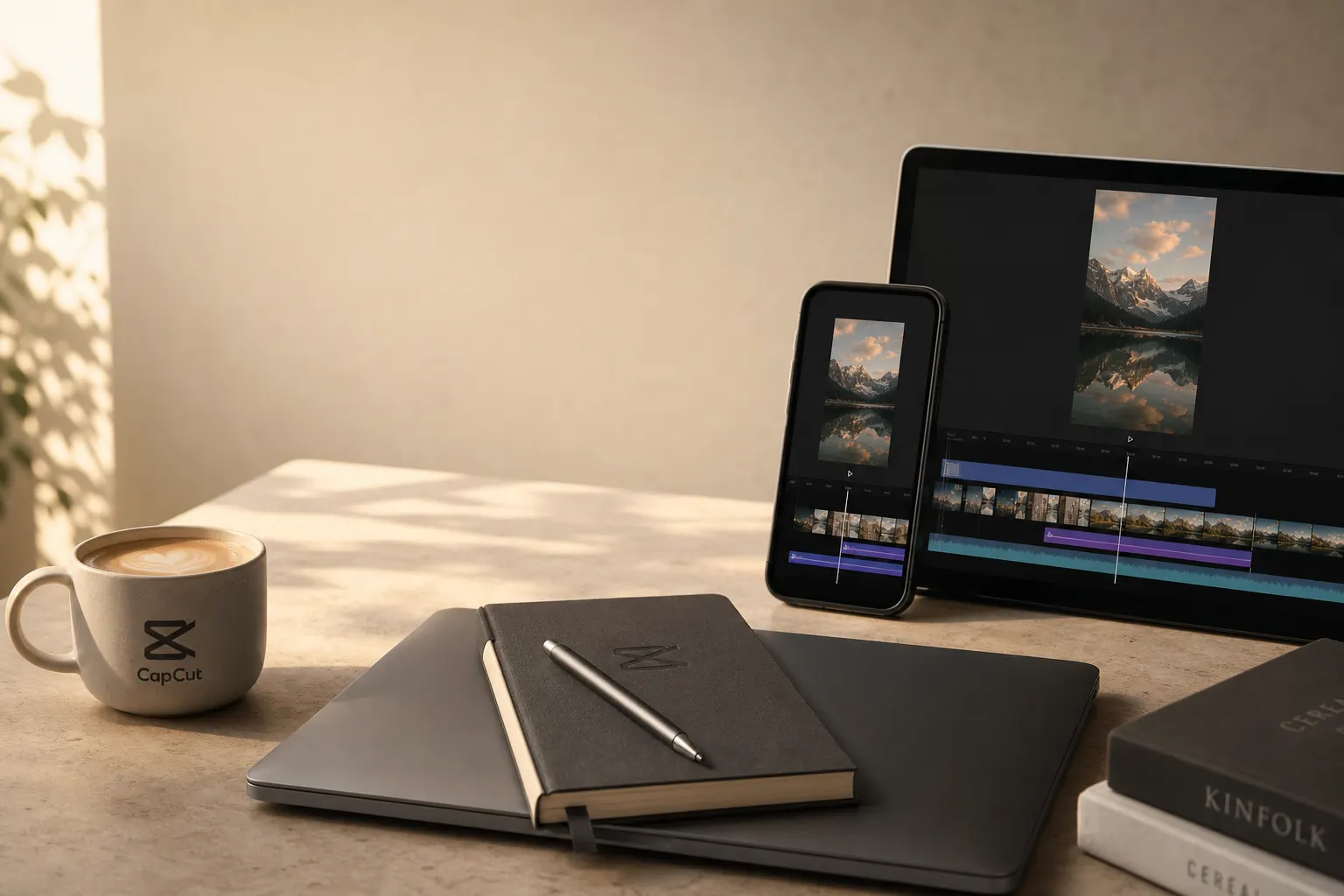
CapCut is the default video editor for a generation of short-form creators, and the free tier alone is generous enough to embarrass software that charges money. But the story in 2026 is messier than it was: a quiet price restructure, a Trustpilot score that reads like a warning label, and Terms of Service that gave us pause. This review aggregates what named publications and real users currently report — we have not tested it hands-on.
Verdict: For UK creators publishing regularly, CapCut Pro on the annual plan (around £75.99/year) is the pick. It undercuts almost every desktop rival, the auto-captions handle British accents well, and 4K export plus expanded cloud storage justify the cost if you post weekly. Casual users should stay on the free tier — it's better than it has any right to be. Just set a calendar reminder to cancel, because the billing is the genuinely sore spot.
capcut
Full timeline, auto-captions and 1080p export at £0; Pro annual ~£75.99/yr unlocks 4K and the full AI toolkit.
Who should pick something else
- You bill clients and worry about confidentiality. CapCut changed its Terms of Service so users hand over rights not just to footage but also to their face, voice and creative efforts, without compensation. CapCut retains the rights even after a user deletes their account. CapCut later published a clarification, but if you're editing sensitive client material, read the current terms first.
- You want a one-off purchase, not a subscription. TechRadar pointed out that LumaFusion offers a pro-level mobile editing experience for a one-off price of $30.
- You need a deep professional desktop NLE. Adobe Premiere Pro at £22.99/month or DaVinci Resolve will take you further on complex projects.
CapCut: the assessment
The free tier is the real headline
This is where CapCut earns its reputation. The basic editor is free, and it's a very capable, feature-rich editor — you don't even need to create an account to start using it: just launch the app, import footage and away you go. Crucially for anyone allergic to watermarks, Atomi Systems' 2026 desktop review found that the desktop version offers a more complete editing timeline, higher export resolutions, and critically, no watermark on exports even on the free plan.
The AI tools are the bit doing the heavy lifting. Auto Captions generates subtitles automatically; users say it's not always perfect with grammar, but it saves a massive amount of time. Atomi's tester also rated the background removal, noting it handles solid-colour backgrounds almost perfectly and does a decent job with complex environments, though hair edges and semi-transparent objects like glasses still cause occasional artefacts. And the template library isn't a dusty afterthought — it's constantly updated to reflect trending formats, and the templates are synchronised with what's actually performing on social platforms right now.
The one eyebrow-raise from TechRadar's mobile review: a useful list of ready-made templates to speed up creation, but why does CapCut demand access to your entire Photos library to allow this? A fair question, and not one we'd file under "minor".
Where Pro earns its keep — and what it now costs
Here's the bit that confused a lot of long-time subscribers. CapCut quietly restructured its tiers in early 2026. According to FluxNote, it's a significant jump from the old $7.99 plan most creators remember — the previous Pro tier was renamed Standard ($9.99/month), and a new Pro tier at $19.99/month was introduced with 4K export, the full AI toolkit, 1TB cloud storage, and 1,200 AI points. Awkwardly, anyone who upgraded specifically for the AI features found those capabilities moved to the more expensive tier.
For UK buyers, CapCut deliberately doesn't post one universal price. CapCut does not publish a single universal checkout price; its help centre says the final amount can vary by region, device, account, promotions, platform and taxes. The clearest UK figures come from reviewer Marc Andrews, who reports the monthly plan costs £120/year and the annual plan costs £75.99 — a £44 saving for making one decision upfront. The same review notes Pro covers practical creator needs: 100GB of cloud storage, up from 1GB on free, so you can start an edit on your phone during a commute and finish it on your laptop at home. On captions specifically, auto-captions are genuinely excellent in CapCut and handle British English well, including regional accents, far better than a year ago.
One firm tip that recurs everywhere: don't subscribe through your iPhone. FluxNote found App Store subscriptions typically run $21.99–$22.99/month due to platform fees, so for the lowest price, subscribe via the web app. If you're going to pay Apple's tax voluntarily, at least do it for something more fun than a captions tool.
| Plan | Price (GBP, approx) | Key limit / note |
|---|---|---|
| Free | £0 | 1080p export, ~1GB cloud, full timeline + auto-captions |
| Standard | ~£8/month (mobile only) | Watermark-free exports; no 4K, no annual plan |
| Pro (annual) | ~£75.99/year | 4K/HDR, full AI toolkit, 100GB–1TB cloud (varies by account) |
| Pro (monthly) | ~£10–£19.99/month (figures vary by source/region) | Same features, billed monthly; web checkout cheapest |
A note on that table: sources genuinely disagree on the UK monthly figure — Marc Andrews lists roughly £10/month while subscription-resellers quote £19.99 — which tells you something about how slippery CapCut's pricing has become. Treat the annual £75.99 as the reliable number and verify your own checkout before paying.
The billing record is the problem you can't ignore
We'd love to leave it at "great editor, fair price". We can't. The split-screen reputation is stark: CapCut holds 1.3/5 on Trustpilot from over 1,000 reviews (86% one-star), while maintaining 4.6/5 on the Apple App Store from 1.1 million reviews — a gap suggesting App Store users rate editing, while Trustpilot users rate billing.
The complaints are consistent. CheckThat.ai's research summary found multiple Trustpilot reviewers report continued charges after cancellation, account lockouts near renewal dates, and support tickets closed as "resolved" without refunds. Product Hunt's aggregated sentiment echoes it: the biggest complaints are consistent — more features moving behind Pro, watermarks, weak free-tier limits, glitchy web performance, lag, and frustrating billing or cancellation problems. Support is the recurring villain: CapCut support operates exclusively via email with response times of two to four weeks, and the company's Trustpilot profile remains unclaimed.
The practical defence is procedural. CapCut's own help pages confirm subscriptions are set to auto-renewal, and if you forget to cancel at least 24 hours before the renewal date, your account will be charged and a new billing cycle begins. Refunds are a long shot: CapCut subscriptions are considered virtual goods, and generally, purchases do not support refunds. Cancellation guidance from third-party trackers is blunt — you must cancel on the same platform you subscribed on; if you subscribed on your iPhone, cancel in Apple ID settings, and if on PC, cancel on the CapCut website. And, the bit that catches everyone, simply uninstalling the CapCut app will not stop the recurring charges.
Our verdict: A genuinely excellent editor wrapped in a subscription you have to actively police. Go annual to remove the monthly cancellation roulette, pay via the web, and diarise the renewal date the moment you sign up.
The positives:
- Free tier covers full timeline editing, 1080p export and auto-captions, with no watermark on standard desktop exports.
- Auto-captions handle British English and regional accents well.
- Pro annual (~£75.99/year) undercuts Premiere Pro by roughly 72% on yearly cost.
- Template library stays current with what's trending, saving real production time.
- Web checkout dodges the App Store's 15–30% platform markup.
Didn't make the shortlist, and why
- Adobe Premiere Pro — the professional benchmark, but Marc Andrews notes it costs £22.99/month, totalling £275.88/year, making CapCut Pro roughly 72% cheaper, though Premiere offers more advanced features for professional workflows. Overkill and over-budget for vertical social clips.
- LumaFusion — TechRadar's recommended mobile alternative, attractive precisely because of that one-off $30 price versus an ongoing subscription. Worth a look if you resent recurring fees.
- Descript — strong for text-based editing and voice work; Product Hunt reviewers comparing the two conceded they explored Descript (great voice editing) and Premiere Pro, but CapCut hit the sweet spot for speed, ease of use and quality, especially for lean teams creating content regularly.
- Canva Pro — broader design-and-video combo at $144/year with a 4.7/5 on G2 from 7,500 reviews, but less of a video-first timeline tool than CapCut.
Bottom line: if you're a UK creator shipping short-form video most weeks, CapCut Pro's annual plan is the value pick, and the free tier is the best £0 in the category. Just treat the billing like a smoke alarm — set it up properly once, and check it before it goes off.
Related tools
Descript
AI video editing
Descript combines transcript-based editing, audio cleanup, captions, and AI media tools.
View profileCanva
Design and video
Canva provides design, short video, presentation, and AI-assisted creative tools.
View profile